
Small to medium-sized enterprises (SMEs) looking to make good profits need to invest in payment solutions that cater for a wide customer base. This means investing in online payment gateways for e-commerce sales and a point-of-sale (POS) system for in-store sales. Choosing the right POS system/solution can be a game-changer for SMEs. Not only does it provide secure payment solutions for customers, but it also unlocks financing opportunities.
South Africa’s POS market is one of the best in the world. The market’s hardware and software sectors are currently valued at nearly $2 billion, driven by a growing shift toward mobile POS terminals and integrated software that manages payments, inventory, and customer experiences across retail and hospitality.
For SMEs, finding the right solution for your business can lead to growth, digital transformation and increased profits. In this article, we take a look at what POS systems are, how they work and how to choose the best one for your SME.
What is a POS System?
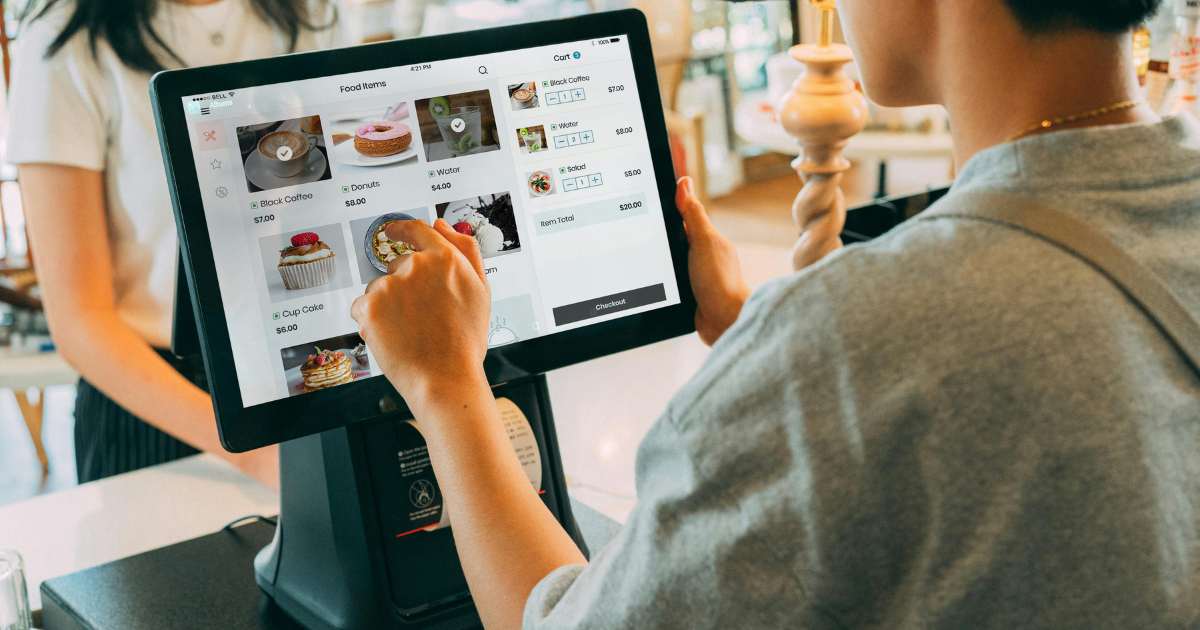
A POS system is a hardware and software integrated system that is used in businesses to handle transactions, sales, and payments. The term “Point of Service” means the location at which a transaction takes place, for instance, a cash desk in a shop, a table in a restaurant, or a counter in a pharmacy. POS systems allow businesses to process payments, track inventory, generate sales reports, and manage customer data, all in real time.
How POS Systems Work
Understanding how these systems work and the transaction flows makes it easier for SME owners to choose the right system for their business needs.
1. Initiation
The first phase is the initiation process. When a customer taps, inserts or swipes their card, the POS software immediately captures the payment data and begins processing.
2. Data Transmission
In this phase, the software within the system securely transmits encrypted payment information through the payment gateway to the appropriate networks.
3. Authentication and Authorisation
Here, advanced algorithms verify the transaction details, check available funds and apply any necessary security measures.
4. Confirmation
Once approved, the authorisation travels back through the secure network to the POS software, which processes the confirmation.
5. Completion
The POS software generates a receipt (digital or printed), updates transaction records, and logs the sale in the business’ analytics.
6. Settlement
Throughout the day, the software batches transactions for settlement, typically processing funds transfer at scheduled intervals.
Sophisticated software systems manage the entire process in seconds and maintain high security standards.
Choosing the Right POS System for your SME
Choosing the right Point of Sale (POS) system for your SME involves finding a balance between core features, setup costs, and scalability. Prioritise systems that offer seamless payment processing, robust inventory management, and reliable customer support tailored to your specific industry.
The following is a list of features you should look for when investing in a new POS system.
1. Real-time Inventory Management
Look for a POS system with an inventory management system. This system should let you track, manage and optimise your stock levels in real-time. Each time you make a sale, the system should automatically update stock levels, so you always know how much stock is in store.
A POS system with real-time inventory management will allow you to order more stock when necessary and ensure you’re always able to meet customer demand.
2. Multiple Payment Methods
Customers have their preferred payment methods, so it is crucial that you are prepared to cater to their needs and provide a positive customer experience. Your chosen POS system needs to be able to accept a wide range of integrated payment options. Also, for customers who want split payments, your POS system needs to accommodate that in-store and online.
3. Multi-store Capabilities
If your business operates from multiple stores, you need a POS system that allows you to manage all of them via one software. This will save you time from making individual changes for each store and customise each store according to their needs and pricing from a central location.
4. Invoicing
It’s important to choose a system that allows you to quickly scan and sell products without wasting time. Look for a POS system that makes it easier to record sales transactions quickly for both customer and supplier invoices. That way, you’ll be able to manage all your invoices in one place, including orders invoices, rentals invoices, repairs invoices, consigned products invoices, supplier purchases invoices and inventory transfers invoices.
5. Sell Across Various Channels
An omnichannel POS solution syncs your entire database to one central system, including your inventory, sales orders, and customer details in real-time. This ensures that stock levels, product attributes, and prices are always the same between your brick-and-mortar stores and e-commerce website.
6. Advanced Reporting and Employee Management
With a comprehensive POS system, you can easily create consistent and customisable reports for the different aspects of your business. These reports summarise your company’s activities over a given period of time and allow you to track things like your sales and inventory.
Employee reporting tools will enable you to see who your top performers are, who needs to improve and where, and if you are setting the right sales targets.
7. Improved Security
It’s important that you protect the data you receive from your customers. Invest in a POS system that protects against payment card data theft from terminals. If you’re using a cloud-based system to back up your data, make sure it comes with added security measures that will protect your data. Look out for the following security measures: identity authentication, access control, cloud activity monitoring, remediation alerts, data encryption, and secure deletion.
8. Offline Capabilities
During the uncertainty of loadshedding and power outages, you need to keep functioning even if internet connectivity is down or disrupted. If you decide to get a cloud-based POS system, make sure it supports offline mode. This way, you will still be able to process both card and cash transactions when your connection is down. As soon as your internet connectivity is up again, all transactions will be synced to the cloud.
POS systems are more than just facilitator software for transactions. They have become understated financial hubs for SMEs. By embedding financial services directly into POS platforms, such as payment terminals, mobile apps, and inventory software, SMEs can access working capital, instant settlements, and insurance right where they trade.
Small to medium-sized enterprises (SMEs) looking to make good profits need to invest in payment solutions that cater for a wide customer base. This means… Read More